
Build your own AI reporting agent.
Get Gist, the agent we build on stage at Great Lakes AI Week.
Gist turns your month’s marketing numbers into a plain-English report: whether you’re on pace for your goal, what’s working and what needs your decision. It takes minutes instead of hours, and you don’t need to code.
Everything you need to build your first agent.
We use the same setup for the agents that run parts of our agency. The kit cuts it down to one job, the monthly report. It works with Claude, ChatGPT, Gemini or any assistant that can read files.
- 01
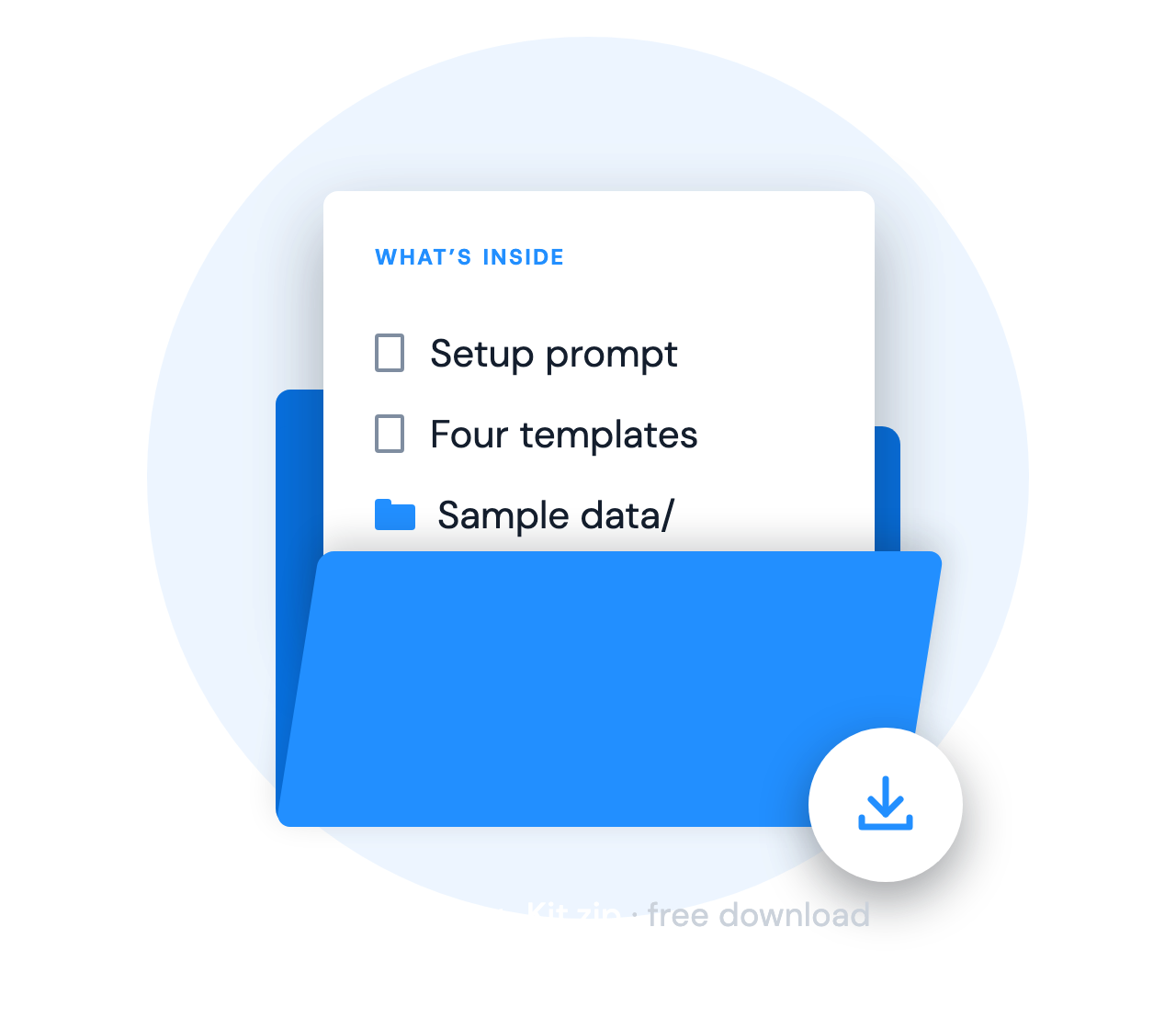
A setup prompt
Give START_HERE_PROMPT.md to your AI assistant and it walks you through the rest, one question at a time. In Claude Code, the CLAUDE.md file starts that conversation for you.
- 02
Gist’s instructions and four setup templates
The instructions tell Gist how to write the report and the rules it never breaks: it never invents a number, never changes anything live and says when it’s guessing. The templates hold your company, your brand voice, this month’s goal and when you want to be alerted.
- 03
A sample month and a guide to your own data
A full month of made-up data for Meridian Precision Components and the report Gist wrote from it, so you can see the result before you connect anything. The data guide starts with exporting your numbers by hand and goes up to live, read-only connections.
From download to your first report

Exporting your numbers by hand works fine to start. A live connection to your analytics is optional, and the data guide covers it when you’re ready.
Keep a person in the loop. Gist won’t know what good looks like for your business, and it won’t catch a number that’s correct but tells the wrong story. Someone who knows your marketing should read every report before it goes out.
Download and unzip the starter kit
Put the folder wherever you keep project files.
Start the setup conversation
In Claude Code, open the folder and start Claude. It reads CLAUDE.md and begins on its own. In ChatGPT, Gemini or claude.ai, upload the kit’s files and send the prompt in START_HERE_PROMPT.md.
Terminalcd ThreeSeven_Gist_Starter_Kit && claudeRun it on the sample data first
Ask for a report from the Meridian sample data and compare it with the sample report in the kit. You see what Gist produces before you share any real numbers.
Fill in the four templates
Your assistant asks one question at a time and writes your answers into the templates: your company, your voice, this month’s goal and when you want to be alerted.
Add your numbers, then check its work
Drop your exports into the data folder, or connect a platform later with the data guide. Read every report and correct it when it’s wrong. The kit doesn’t run on a schedule by itself; that takes a separate tool.

Book a call
Want help building yours?
Book a 15-minute call with the Three Seven team. Tell us what you’d like Gist or your next agent to handle, and we’ll tell you what it takes to set up.